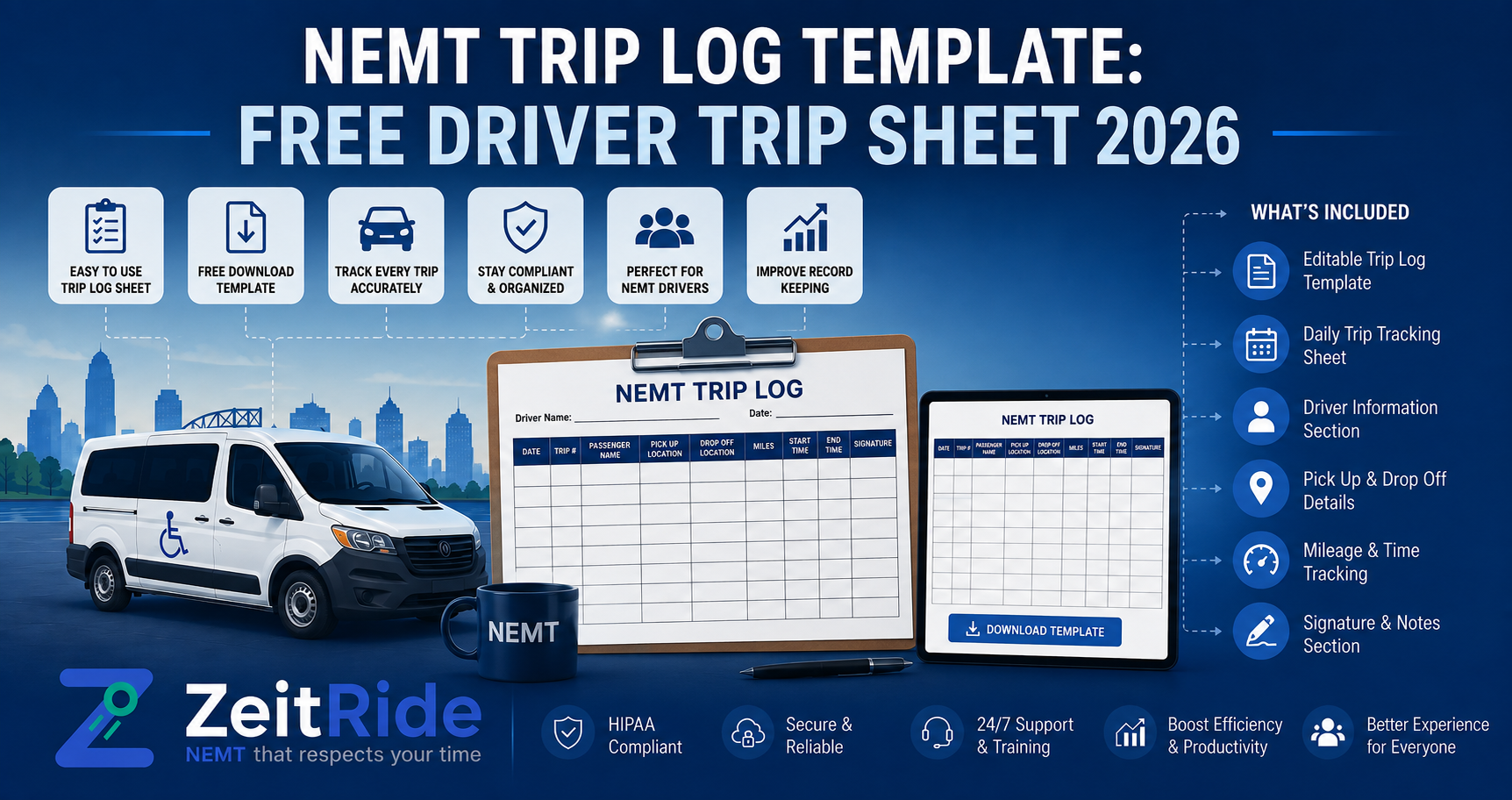
NEMT Trip Log Template: Free Driver Trip Sheet 2026
Copy a free NEMT trip log template for driver times, mileage, signatures, exceptions, billing review, and payer-ready documentation.
What should an NEMT trip log include?
Quick answer
An NEMT trip log should connect the rider and authorization to the driver, vehicle, service level, pickup and drop-off locations, actual times, mileage, proof of service, exceptions, and billing review. Exact fields vary by state, payer, broker, and contract.
NEMT Operations Expert
A consistent trip record protects more than your paperwork. It helps dispatch verify what happened, gives billing the details needed to prepare a clean claim or invoice, and lets managers investigate a complaint without rebuilding the day from texts and memory. This free NEMT trip log template gives drivers and office staff one practical baseline for recording completed transportation. Before using it, compare every field with your state, payer, broker, and contract rules, then review ZeitRide's full NEMT documentation requirements checklist for the supporting records that may sit behind the trip sheet.
What Is an NEMT Trip Log?
An NEMT trip log is the completed-service record for a non-emergency medical transportation trip. It connects the scheduled request and authorization with the driver, vehicle, passenger, locations, service level, actual pickup and drop-off activity, mileage, proof of service, exceptions, and billing review. A useful log should make the trip understandable to someone who was not in the vehicle or dispatch office that day.
A template is only a starting point. The CMS NEMT provider resources explain that transportation programs use different delivery systems and provider criteria. HHS OIG also announced an active series of Medicaid NEMT audits on May 28, 2026, which makes consistent, retrievable records especially important. Your actual form should follow the most specific requirement that applies to the trip.
Free NEMT Driver Trip Log Template
Copy the table below into Microsoft Word, Google Docs, Excel, or Google Sheets to create a printable NEMT trip log. Add your company name, form version, privacy handling instructions, and any payer-specific fields before giving it to drivers. A single-trip form works well for occasional rides; fleets running full daily routes may prefer the manifest version explained later in this guide.
| Trip Log Field | Driver or Office Entry | Primary Owner |
|---|---|---|
| Company and form version | Company name, form revision date, page number | Office |
| Trip identifiers | Internal trip ID, broker reference, authorization number | Scheduler |
| Payer or trip source | Medicaid plan, broker, facility, private pay, or other payer | Scheduler |
| Date and service level | Date of service and approved ambulatory, wheelchair, stretcher, or other mode | Scheduler |
| Rider identification | Member name or permitted identifier and contact information required for the trip | Scheduler |
| Mobility and assistance | Approved mobility device, escort, door-to-door, stairs, or other trip instructions | Scheduler |
| Pickup | Full address, facility, scheduled pickup window, contact instructions | Scheduler |
| Destination | Full address, facility, appointment time, contact instructions | Scheduler |
| Driver and vehicle | Driver name or ID, vehicle unit, plate or vehicle identifier where required | Dispatcher |
| Actual pickup activity | Arrival time, passenger onboard time, pickup location confirmation | Driver |
| Actual drop-off activity | Destination arrival time, passenger drop-off time, location confirmation | Driver |
| Mileage | Beginning and ending odometer or loaded mileage required by the payer | Driver |
| Wait time and extra stops | Start and end of billable wait, added stops, tolls, or parking where allowed | Driver |
| Proof of service | Rider or facility signature, electronic attestation, or permitted exception reason | Driver |
| Trip outcome | Completed, no-show, canceled, refused, interrupted, or rescheduled | Driver |
| Exception notes | Delay, address change, facility issue, incident, signature exception, or dispatcher instruction | Driver |
| Billing review | Service level, units, mileage, rate, required attachments, ready-to-bill status | Billing |
| Correction record | What was corrected, by whom, when, and why | Supervisor |
Do not collect clinical details simply because a form has room for them. Where HIPAA applies, HHS explains that organizations should make reasonable efforts to limit protected health information to the minimum necessary information for the intended purpose. Store completed forms securely, restrict access by role, and avoid leaving rider information visible in unattended vehicles.
What Should an NEMT Trip Log Include?
At minimum, the record should connect the authorized trip to the actual service delivered. That usually means identifiers, payer and authorization information, approved service level, pickup and destination, scheduled and actual times, driver and vehicle, mileage when required, proof of service, the trip outcome, exceptions, and billing verification. A field should be included because it supports operations, payment, safety, or an applicable requirement—not because another company's form happens to contain it.
- Use one unique trip ID across scheduling, dispatch, driver activity, billing, and payment records.
- Keep scheduled information separate from actual driver-reported events so differences remain visible.
- Record the delivered service level rather than assuming it always matched the original request.
- Document no-shows, cancellations, refusals, address changes, and signature exceptions when they happen.
- Require billing to compare the completed trip with the authorization before submission.
- Preserve corrections instead of silently replacing the original value.
Trip Log vs. Manifest vs. Trip Sheet
Operators often use these terms interchangeably, but the documents can serve different jobs. Use the distinction below when adapting an NEMT trip manifest template or NEMT trip sheet template for your fleet.
| Document | Main Purpose | Typical Scope | Primary Users |
|---|---|---|---|
| Trip log | Records what actually happened and supports review or billing | One completed trip | Driver, billing, compliance |
| Driver manifest | Shows the assigned work for a route or shift | Multiple trips in a day | Dispatcher and driver |
| Route sheet | Organizes stops, sequence, and route instructions | One route or vehicle run | Dispatcher and driver |
| Audit history | Preserves edits, cancellations, reassignments, and corrections | Full lifecycle of each record | Management, billing, auditors |
A paper manifest may show the morning plan but become outdated after the first cancellation or added trip. NEMT dispatch software keeps the live schedule and driver view aligned, while the completed trip log preserves the actual service delivered.
Who Completes Each Part of the Driver Trip Sheet?
| Role | Information to Complete or Verify |
|---|---|
| Scheduler | Rider, payer, authorization, service level, appointment, pickup, and destination |
| Dispatcher | Qualified driver and vehicle assignment, live changes, and operational instructions |
| Driver | Actual events, mileage, proof of service, trip outcome, and exception notes |
| Billing reviewer | Authorization match, billable units, rate, attachments, and ready-to-bill decision |
| Supervisor or compliance lead | Corrections, unusual events, recurring gaps, and record access |
The driver should not have to reconstruct scheduler or billing information from scratch. Likewise, the biller should not guess actual times or mileage after the route ends. Clear ownership reduces duplicate entry and makes missing information easier to trace. ZeitRide's NEMT driver management software connects driver qualifications, manifests, trip history, and mobile updates with dispatch rather than treating the trip sheet as an isolated document.
How to Complete an NEMT Trip Log
Before the Trip
Confirm the rider or permitted identifier, payer, authorization, approved service level, pickup and destination, appointment time, and mobility requirements. Assign a qualified driver and suitable vehicle. Drivers should receive only the information needed to perform the trip safely and correctly.
At Pickup
Record arrival and actual pickup activity at the time it occurs. Confirm the correct rider and required service level. Capture the required mileage starting point and proof-of-service event according to the payer's rules. If the rider is absent, follow the broker or payer's contact and no-show procedure instead of simply leaving the fields blank.
At Drop-Off
Record destination arrival, completed drop-off, final mileage, wait time, and the required signature or attestation. If a signature cannot be obtained, document the permitted reason and any facility confirmation rather than inventing or backfilling a signature.
Before Billing
A billing reviewer should compare the completed trip with the authorization and payer rules. Times, locations, service level, mileage, proof of service, and exception notes should tell one consistent story. Connecting the trip record directly to NEMT billing software reduces the re-entry step that commonly creates mismatched member IDs, dates, units, and mileage.
Completed NEMT Trip Log Example
The example below is fictional and demonstrates structure only. It is not a universal Medicaid form or a recommended billing decision.
| Field | Fictional Example |
|---|---|
| Trip ID | ZR-EX-0812-014 |
| Payer and authorization | Example Health Plan; AUTH-48320 |
| Service date and level | August 12, 2026; wheelchair, door-to-door |
| Rider | Member A-1048 |
| Pickup | Sample Residence, scheduled 8:00–8:15 a.m. |
| Destination | Example Dialysis Center, appointment 9:00 a.m. |
| Driver and vehicle | Driver D-17; wheelchair van V-06 |
| Actual times | Arrived 8:06; onboard 8:12; destination 8:43; drop-off 8:48 |
| Mileage | Odometer 31,204.2 to 31,216.7; 12.5 miles recorded |
| Proof of service | Facility representative electronic attestation at 8:48 |
| Exception | Five-minute securement delay documented; no route change |
| Billing review | Authorization, service level, times, mileage, and proof matched; ready for payer-specific review |
Common Trip Log Errors That Delay Billing
- Missing authorization, broker reference, or payer information
- Scheduled times copied into actual-time fields
- Mileage that conflicts with odometer or GPS records
- No explanation for a missing signature or attestation
- Delivered service level that does not match the billed service
- No-show or cancellation fields left incomplete
- Driver or vehicle identifiers missing from the completed record
- Notes entered days later from memory
- A corrected value that overwrites the original without history
- Billing entered from paper even though dispatch has a different trip version
When the same field is missing repeatedly, the problem is usually the workflow rather than one careless employee. Use a small sample of completed trips to identify recurring gaps, then fix the responsibility, form design, validation rule, or system handoff causing them. ZeitRide's guide to preventing NEMT billing errors explains why duplicate entry between dispatch and billing is especially risky.
Printable NEMT Trip Log vs. Electronic Trip Record
| Capability | Paper or Fillable Form | Connected Electronic Record |
|---|---|---|
| Schedule changes | May become outdated after printing | Updates can reach dispatch and driver views |
| Timestamps | Entered manually | Can be captured with status events |
| Mileage and location support | Odometer or handwritten entry | Can connect GPS-aware activity with the trip |
| Proof of service | Wet signature or separate image | Electronic signature or attestation can remain attached |
| Corrections | May erase or obscure the original | Can preserve user, time, old value, and reason |
| Billing handoff | Often requires re-entry | Completed trip data can flow into billing review |
| Retrieval | Requires filing and manual search | Searchable by trip, driver, vehicle, date, or payer |
| Security | Depends on physical handling | Role-based access and system controls can be applied |
A printable form can standardize a new or low-volume operation, but it should not become a permanent workaround for a growing fleet. ZeitRide connects driver activity with dispatch, billing, and a searchable NEMT audit history, so a correction or cancellation remains attributable instead of disappearing into a revised spreadsheet. Where electronic verification applies, review the separate NEMT EVV compliance guide before configuring required events.
When Should You Replace Paper Trip Sheets?
A blank form solves consistency; it does not solve live coordination. Consider replacing paper or disconnected PDFs when the administrative cost and documentation risk begin to exceed the convenience of printing another sheet.
- Dispatchers re-enter completed trips into a separate billing system.
- Drivers regularly receive schedule changes after manifests are printed.
- Signatures, mileage, or exception notes are frequently missing.
- Office staff cannot retrieve a complete trip record quickly.
- More than one dispatcher edits the same day without reliable change history.
- The fleet works with multiple brokers, facilities, or payer rules.
- Billing staff spend time reconciling paper, GPS, texts, and broker portals.
- Growth requires more administrative staff just to maintain documentation.
Turn the Trip Sheet Into a Connected Workflow
Use this NEMT driver trip log template to standardize the fields your operation needs today. Then map each field to the person or system that should capture it: scheduler data before service, driver events during the trip, and billing validation afterward. The goal is one connected record—not a cleaner-looking form that still has to be typed into three places.
Bring one of your current trip sheets to a 15-minute ZeitRide workflow demo. We will show how the same rider, authorization, driver, vehicle, timestamp, mileage, signature, exception, billing, and audit fields can move through one operational record without being entered twice.
Frequently Asked Questions
Q: What should an NEMT trip log include?
An NEMT trip log should generally include trip and authorization identifiers, payer information, rider or permitted member identifier, service level, pickup and destination, scheduled and actual times, driver, vehicle, mileage where required, proof of service, trip outcome, exceptions, and billing review. Exact requirements vary by state, payer, broker, and contract.
Q: What is the difference between an NEMT trip log and a driver manifest?
A driver manifest usually shows the trips assigned for a route or shift. A trip log records what actually happened on a completed trip, including actual times, mileage, proof of service, outcome, and exceptions. Some fleets use the term trip sheet for either document.
Q: Who should complete an NEMT trip log?
The scheduler or dispatcher should enter authorized and scheduled details, the driver should record actual trip events and exceptions, and billing should verify that the completed service matches the authorization and payer requirements before submission.
Q: Does every NEMT trip log need a passenger signature?
Not necessarily. Signature and proof-of-service rules vary by state, payer, broker, program, and service type. Providers should follow the applicable requirement and document an approved exception reason when a signature cannot be obtained.
Q: Can an NEMT trip log be electronic?
Yes. An electronic trip record can capture driver status events, timestamps, GPS-aware activity, signatures or attestations, exceptions, corrections, and billing review. The system and workflow must still meet the specific rules applying to the provider and trip.
Q: How long should NEMT trip logs be retained?
There is no single retention period for every NEMT provider. Follow the longest applicable requirement from state Medicaid rules, payer manuals, broker contracts, billing rules, insurance obligations, and active audits or disputes.
Rather see it than read about it?
Bring a real route, a couple of drivers, and your current process. 15 minutes, zero pitch.