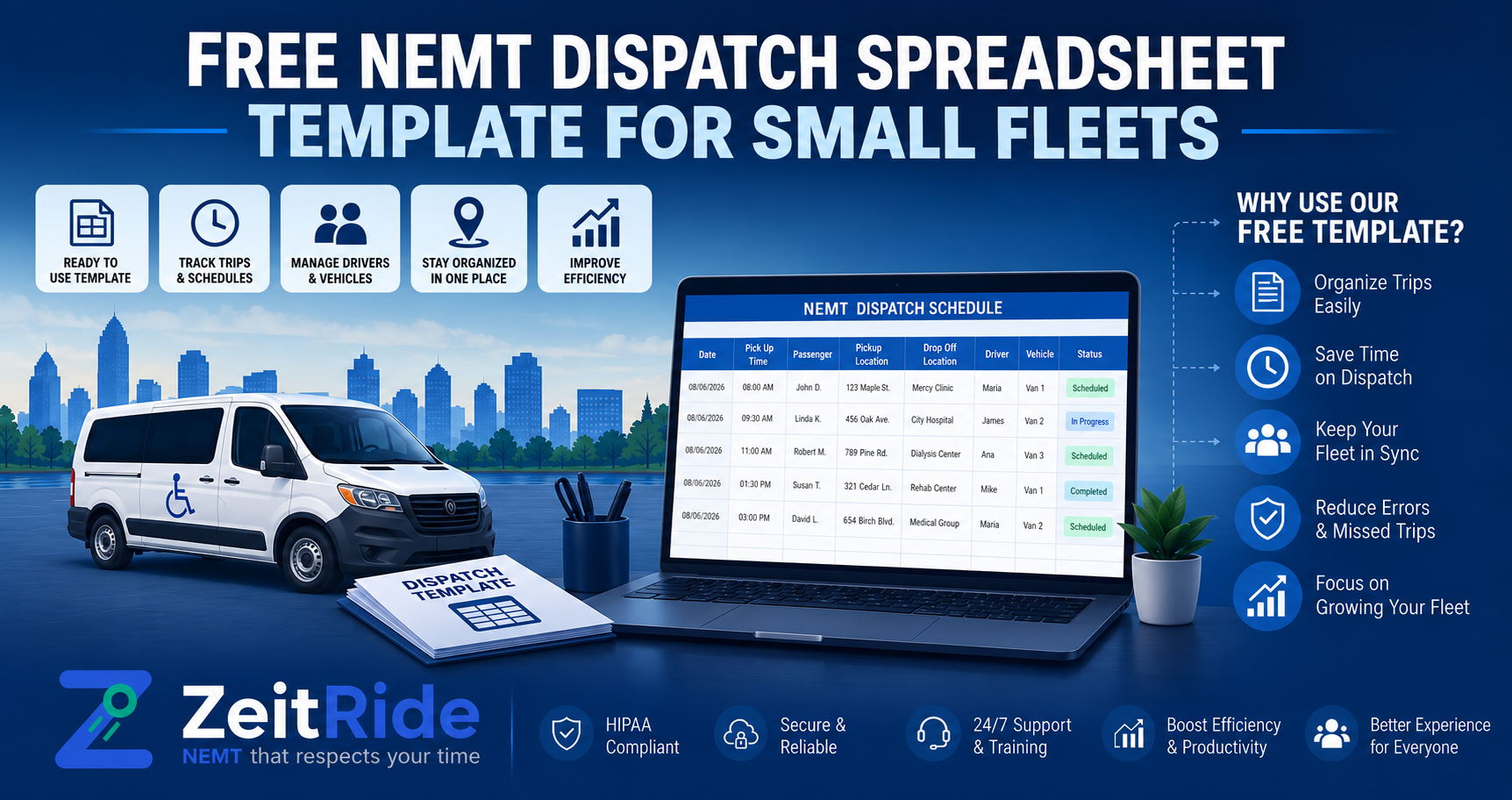
Free NEMT Dispatch Spreadsheet Template for Small Fleets
Copy a free NEMT dispatch spreadsheet template for Excel or Google Sheets to schedule trips, assign drivers, and manage daily fleet changes.
Quick answer
An NEMT dispatch spreadsheet should include trip details, pickup windows, service levels, driver and vehicle assignments, return-trip status, exceptions, and closeout fields. Small fleets can use it until manual schedule changes become difficult to manage.
ZeitRide Team
NEMT Operations Expert
Small NEMT fleets often begin with spreadsheets because they are familiar, affordable, and easy to customize. However, the spreadsheet must contain enough information to help dispatchers assign the right driver and vehicle, monitor active trips, manage return rides, and close out completed work accurately.
This free NEMT dispatch spreadsheet template gives small fleets a practical structure for organizing daily operations in Microsoft Excel or Google Sheets. It can be used for scheduled rides, recurring appointments, will-call returns, cancellations, and same-day changes. Pair it with a consistent NEMT dispatch checklist so every dispatcher follows the same process before, during, and after a shift.
What Should an NEMT Dispatch Spreadsheet Include?
A useful NEMT dispatch spreadsheet should provide one clear view of every planned and active trip. Dispatchers should be able to identify unassigned rides, driver and vehicle responsibilities, open return trips, delays, cancellations, and records that still require closeout.
| Field Group | Recommended Information |
|---|---|
| Trip Details | Trip ID, service date, payer or broker, and authorization reference |
| Timing | Pickup window, appointment time, and estimated return time |
| Rider Requirements | Approved rider identifier, service level, and mobility or equipment needs |
| Locations | Pickup address and destination address |
| Assignment | Driver, vehicle, route, or run number |
| Return Trip | One-way, scheduled return, will-call, or recurring |
| Live Status | Unassigned, assigned, en route, arrived, completed, canceled, or no-show |
| Closeout | Actual pickup, actual drop-off, exception notes, and billing-review status |
Only include the information authorized staff need to schedule, perform, document, and review the transportation service. Avoid placing unnecessary medical information in the general dispatch notes.
How to Build the Free NEMT Dispatch Template
Create one workbook with four connected sheets. This keeps stable resource information separate from the live dispatch board while ensuring recurring rides and unresolved exceptions remain visible.
1. Daily Dispatch Board
Use one row for each individual trip leg. An outbound trip and its return should normally have separate rows when they require different pickup times, driver assignments, or vehicle decisions.
2. Driver and Vehicle Availability
List each driver's shift, availability, approved service levels, and assigned vehicle. For vehicles, include unit number, passenger capacity, wheelchair equipment, operating status, and any current restrictions.
3. Recurring Trips
Use this sheet for regularly scheduled transportation such as dialysis, therapy, rehabilitation, or adult day services. Create individual trip rows for each service date so a cancellation or schedule change does not accidentally modify every future ride.
4. Exceptions and Closeout
Track delays, passenger no-shows, cancellations, vehicle problems, missing timestamps, unresolved will-call returns, and trips requiring billing review. Use a separate NEMT trip log template for completed-service details such as mileage, actual times, signatures, and proof of service.
How to Use the NEMT Scheduling Spreadsheet
- Enter all scheduled, recurring, and same-day trip legs.
- Confirm pickup windows, appointment times, service levels, and return arrangements.
- Match every trip with a qualified driver and suitable vehicle.
- Update the trip status when it is assigned, started, delayed, completed, or canceled.
- Keep will-call returns open until a driver and estimated pickup time are confirmed.
- Record exceptions with the time, reason, action taken, and responsible staff member.
- Review each completed trip before sending it to billing.
A shared NEMT scheduling spreadsheet can work when the operation is small and daily changes are limited. It becomes less reliable when several staff members edit schedules, drivers receive frequent reassignments, or dispatchers must repeatedly copy the same information into separate systems.
Example NEMT Daily Dispatch Sheet
| Pickup | Trip ID | Service Level | Driver/Vehicle | Return | Status |
|---|---|---|---|---|---|
| 7:15 a.m. | TR-1001 | Ambulatory | DR-01 / VAN-02 | 11:30 a.m. | Assigned |
| 8:00 a.m. | TR-1002 | Wheelchair | DR-04 / VAN-07 | Will-call | En Route |
| 9:20 a.m. | TR-1003 | Ambulatory | DR-02 / VAN-03 | One-way | Delayed |
In this example, the wheelchair trip must be matched with an appropriately equipped vehicle. Its will-call return should remain visible after the outbound trip is completed. The delayed trip should include a short note explaining the cause, action taken, and next follow-up time.
This makes the NEMT daily dispatch sheet more than a static driver schedule. It becomes a working record of the dispatch day and helps the next staff member understand what has happened without reconstructing events from calls or text messages.
Spreadsheet vs. NEMT Dispatch Software
| Spreadsheet May Work When | Software Becomes More Useful When |
|---|---|
| One dispatcher controls the schedule | Multiple staff members create or change trips |
| Routes are predictable | Assignments change throughout the service day |
| Drivers receive few updates | Drivers depend on frequent calls or text messages |
| Trip volume is manageable manually | The same trip information is entered repeatedly |
| Billing records are usually complete | Billing staff reconstruct rides from several records |
| One approved file is easy to maintain | Conflicting spreadsheet versions are common |
A spreadsheet can be a practical starting point, but it does not automatically optimize routes, send live driver updates, track vehicle locations, generate route sheets, or connect dispatch activity with billing. The guide to NEMT software versus manual dispatch can help you determine whether spreadsheets are still saving time or have started creating additional administrative work.
Protect Rider and Trip Information
Control who can view, edit, copy, or share the workbook. Use approved business accounts, strong passwords, multifactor authentication where available, and a defined process for removing access when employee responsibilities change.
Avoid public sharing links and unnecessary copies on personal devices. Review applicable payer, broker, state, contractual, privacy, and security requirements before storing identifiable rider information in Excel or Google Sheets. Refer to HHS HIPAA guidance when assessing how federal privacy requirements may apply to your organization.
When Has a Small Fleet Outgrown the Spreadsheet?
- Staff regularly work from different spreadsheet versions.
- Drivers depend on calls and text messages for most schedule changes.
- Will-call returns are frequently overlooked.
- Trips are repeatedly entered into multiple systems.
- Driver or vehicle conflicts are discovered after assignments are released.
- Billing staff must reconstruct completed rides.
- Managers cannot see the current status of every active trip.
At this stage, compare your workflow with NEMT software for small fleets, not just the number of vehicles you operate. Workflow complexity, schedule changes, documentation requirements, and duplicate entry usually create the strongest need for connected software.
Frequently Asked Questions
Q: What should an NEMT dispatch spreadsheet include?
It should include trip IDs, service dates, pickup windows, appointment times, rider requirements, pickup and destination addresses, driver and vehicle assignments, return types, live statuses, exceptions, actual service times, and closeout status.
Q: Is Excel or Google Sheets better for NEMT dispatch?
Excel may be preferable for a controlled desktop workbook, while Google Sheets can make collaboration easier. The better option is the approved platform your team can secure, maintain, and use consistently.
Q: How should will-call return trips be tracked?
Create a separate return-trip row and keep it open until the facility or rider confirms readiness. Record the confirmation time, assigned driver and vehicle, estimated pickup time, communication notes, and final status.
Q: When should an NEMT fleet replace its spreadsheet?
Consider dedicated software when conflicting file versions, repeated data entry, missed schedule changes, driver communication problems, resource mismatches, and billing corrections become recurring operational costs.
Move Beyond Manual Dispatch
A spreadsheet should make dispatch easier, not become another system your staff must constantly repair. Use this NEMT dispatch spreadsheet template to organize one representative service day, then compare the same workflow with ZeitRide NEMT dispatch software.
See how scheduling, driver assignments, live changes, route sheets, and trip closeout can be managed in one connected platform. Review ZeitRide pricing to determine whether moving beyond spreadsheets makes sense for your fleet.
Rather see it than read about it?
Bring a real route, a couple of drivers, and your current process. 15 minutes, zero pitch.