NEMT Digital Driver Forms: Shift Checklists & Review
See how NEMT fleets replace paper shift reports with driver mobile forms, saved drafts, and supervisor review using ZeitRide.
Quick answer
NEMT digital driver forms let drivers complete assigned shift reports on a phone while supervisors review submissions in one place. ZeitRide supports pre- and post-shift forms, auto-saved drafts, and office-side response review; formal vehicle inspections use a separate workflow.
ZeitRide Team
NEMT Operations Expert
A driver ends a shift with a fuel note on paper. Another leaves a condition report unfinished. The next morning, a supervisor is piecing together information from texts and loose sheets.
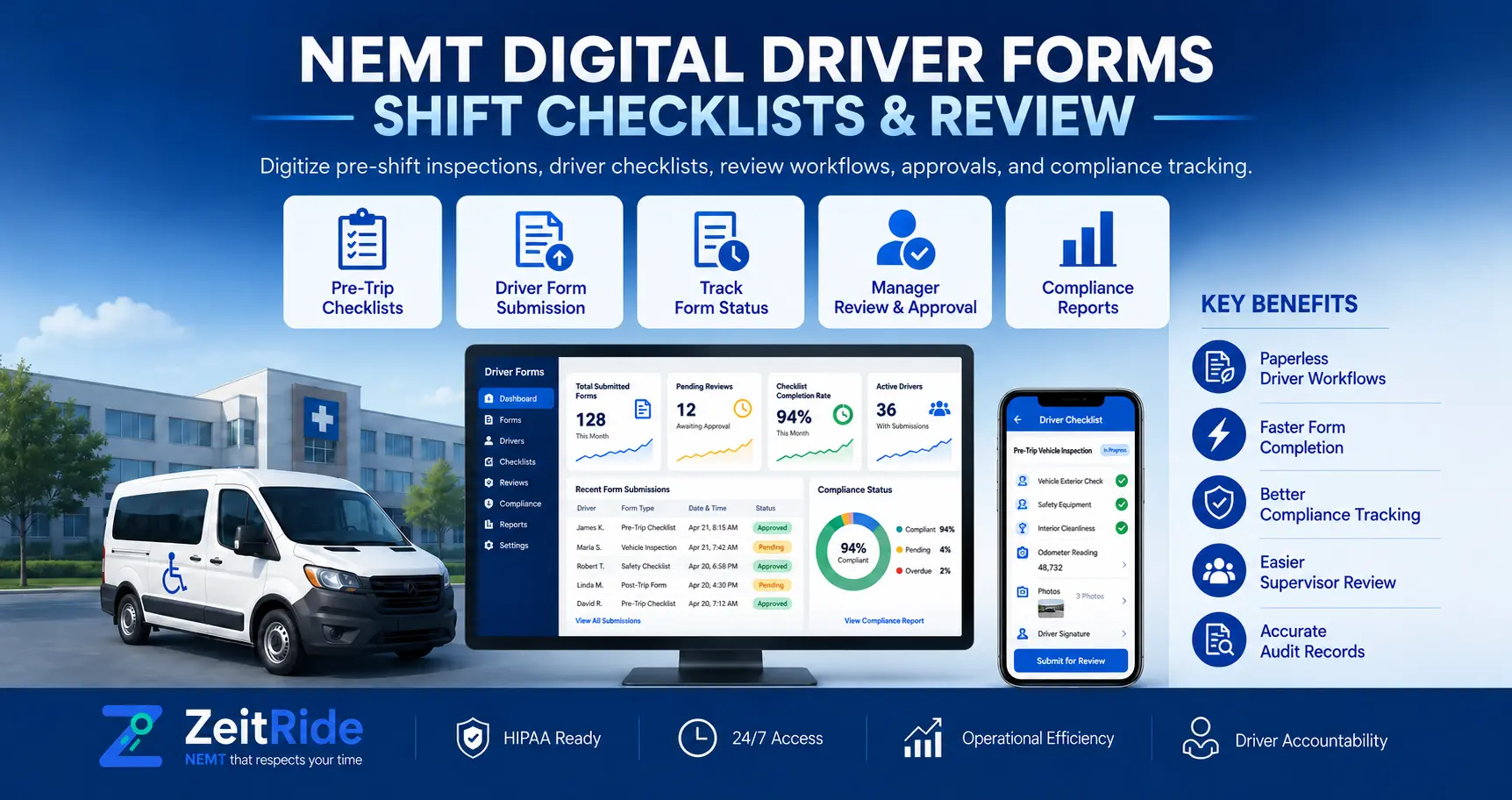
NEMT digital driver forms replace scattered company reports with consistent questions drivers can answer from their phones. In ZeitRide, staff build forms in the Forms Library, drivers complete assigned forms in the Driver app, and supervisors review submitted answers in one place. The goal is easier reporting, not more paperwork.
What Are NEMT Digital Driver Forms?
NEMT digital driver forms are configurable reports used to document everyday transportation operations, such as a shift handoff, facility concern, or end-of-day vehicle condition note. A driver answers the company's questions on a phone instead of writing on a separate sheet.
These forms do not, by themselves, prove that a Medicaid trip was properly authorized or performed. Use them alongside trip statuses, signatures, and formal NEMT documentation requirements.
Which Driver Reports Belong in Digital Forms?
Start with information supervisors regularly need: vehicle cleanliness, low fuel, facility concerns, and who should follow up. Keep questions short enough to finish between responsibilities, and give drivers clear instructions about matters that require an immediate phone call rather than a routine submission.
Serious incidents should follow the company's escalation policy and separate NEMT incident reporting process. Do not ask drivers to re-enter information already captured in the trip app.
NEMT Pre-Shift Forms vs. NEMT Post-Shift Forms
NEMT pre-shift forms can capture a short operational acknowledgment before service begins, such as whether the driver received a new dispatch instruction. NEMT post-shift forms can capture handoff concerns, fuel notes, or cleaning needs after the day's trips.
| Form Timing | Suitable Company Report | Supervisor's Next Action |
|---|---|---|
| Pre-shift | Confirm relevant office instructions or operational notes | Resolve unanswered questions before service |
| Post-shift | Record cleaning, fuel, or unresolved handoff concerns | Review and assign follow-up |
| Separate inspection workflow | Formal vehicle safety checks | Review inspection logs and address defects |
ZeitRide places configured shift forms under Shift Forms around clock-in and clock-out. Configured required forms can open after shift actions. Formal vehicle inspections remain separate. See the driver timekeeping guide.
How Do NEMT Driver Mobile Forms Work in ZeitRide?
The workflow starts in the office and finishes with a reviewable submission:
- Create the form: Open Operations > Forms > Library and select Create form.
- Choose who fills it: Name the report, set its access level, choose the relevant category, and configure questions in the form builder.
- Make it available: Driver-targeted forms appear in the ZeitRide Driver app, including the More > Forms area.
- Complete and submit: Drivers answer questions and submit the form, or return later to an unfinished draft.
- Review centrally: Office staff open Forms > Submissions to see completed responses, the submitter, and submission time.
Drivers use the ZeitRide Driver app to complete assigned mobile reports. For the precise office configuration steps, use the custom forms setup guide.
What Happens to Incomplete Forms and Drafts?
In the Driver app, a partly completed form shows Draft - continue. The app saves drafts automatically when the driver navigates away, so an interrupted report need not be restarted.
The last-synced forms list remains viewable without signal, but this does not guarantee offline submission. Drivers should confirm successful submission after reconnecting. The driver app forms and drafts guide explains the visible behavior.
How Should Supervisors Review NEMT Driver Form Submissions?
Centralizing NEMT driver form submissions helps supervisors locate reports, but submission does not resolve the reported issue. The review process should identify which answers need a response, who owns that response, and when the office considers the matter closed.
In Forms > Submissions, a supervisor can open the full response and see who submitted it and when. Check unclear answers, assign follow-up, and record resolution under your normal procedure.
For example, a reported cleaning issue should prompt a supervisor to check vehicle readiness before the van's next route. Submitting a form does not automatically take the vehicle out of service.
Custom Driver Forms Are Not Vehicle Inspection Checklists
ZeitRide has a distinct Inspections module for pre- and post-shift vehicle checks. That module supports driver targeting, inspection-specific fields, inspection logs, and PDF or Excel reporting.
Custom forms are better used for company-specific reporting that complements those safety checks. Do not replace formal vehicle inspection checklists with a casual condition question unless the approved inspection process expressly allows it.
Paper Reports vs. an NEMT Driver Paperwork App
A good NEMT driver paperwork app should make the same reporting process easier for both drivers and office staff, not just reproduce a long paper form on a smaller screen.
| Task | Paper or Scattered Files | Connected Digital Form |
|---|---|---|
| Completing a report | Handwriting or separate file | Questions in the driver app |
| Interruptions | Partially filled sheet may be lost | Draft can be resumed |
| Finding a completed report | Search folders or messages | Review under Submissions |
| Supervisor follow-up | Separate handoff required | Central record supports a defined follow-up process |
The biggest gain is visibility. Managers still need to act on the information drivers submit; a form alone does not fix incomplete follow-up or unclear accountability.
How to Roll Out Forms Without Creating More Work
Pilot one four-question post-shift report with a small group of drivers, focused on actual operating concerns. Use an anonymized example rather than collecting unnecessary patient details.
After a week, remove redundant questions, clarify which issues require an immediate call to dispatch, and assign one office reviewer. Then check whether drivers are completing the forms and whether supervisors are consistently acting on the responses.
For a broader product overview, see ZeitRide custom forms. When a form includes protected health information, follow applicable company policies and the HHS minimum necessary guidance, where that HIPAA standard applies. A software form alone does not establish legal or broker compliance.
See ZeitRide Driver Forms in Action
Bring one anonymized paper shift report and see how NEMT digital driver forms move from the Forms Library to a driver's phone and then to supervisor review.
Book a ZeitRide demo to test the workflow against your current process.
Frequently Asked Questions
Q: Can Drivers Complete Forms Before or After a Shift?
Yes. ZeitRide supports configured pre-shift and post-shift forms in the Driver app, displayed around clock-in and clock-out.
Q: Can a Driver Save an Unfinished Form?
Yes. The Driver app automatically saves an in-progress draft when the driver navigates away, allowing it to be resumed later.
Q: Can Supervisors See Who Submitted a Form?
Yes. ZeitRide's Forms > Submissions view shows completed responses, the submitter, and submission time.
Q: Do Custom Forms Replace Vehicle Inspections?
No. ZeitRide provides a separate Inspections module for formal vehicle checks, logs, and related reports.
Q: Does Using Digital Forms Guarantee Medicaid or HIPAA Compliance?
No. Applicable state, payer, broker, privacy, and recordkeeping requirements still apply. Form design and staff procedures must match those obligations.
Rather see it than read about it?
Bring a real route, a couple of drivers, and your current process. 15 minutes, zero pitch.