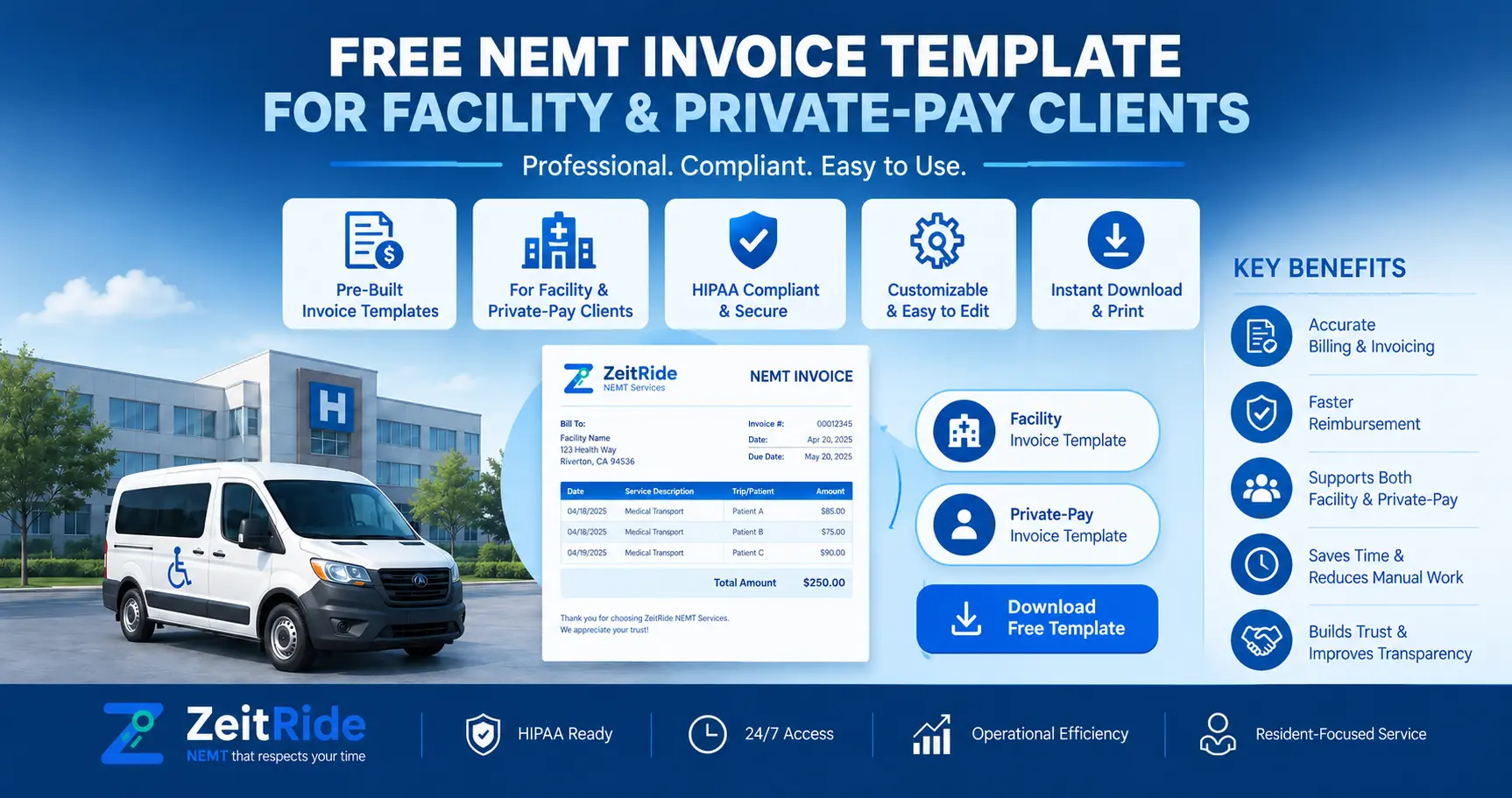
Free NEMT Invoice Template for Facility & Private-Pay Clients
Copy a free NEMT invoice template for Excel or Google Sheets and learn how to bill healthcare facilities and private-pay clients from completed trips.
Quick answer
An NEMT invoice should identify the provider and payer, invoice number and dates, completed trip details, service level, mileage or approved fees, rates, total due, and payment terms. Each charge should trace back to a completed trip and the agreed rate.
ZeitRide Team
NEMT Operations Expert
An invoice should not make your billing team reconstruct a trip that already happened. A useful NEMT invoice template takes information from the completed transportation record, applies the rate agreed with the facility or private-pay customer, clearly itemizes the charge, and gives both sides enough information to understand what is due.
The copy-ready template below is designed for U.S. NEMT operators billing healthcare facilities, organizations, families, and other private-pay customers. You can copy it into Excel or Google Sheets and adjust the fields to your own contracts and billing policies. Do not treat another transportation company's rates or payment terms as your own. Every invoice should reflect the service you actually delivered and the pricing terms you actually agreed to.
Free NEMT Invoice Template for Excel or Google Sheets
Use this medical transportation invoice template as a practical starting point. Replace the blank fields with your business information and the billing details required by the facility, organization, or private-pay customer.
| Invoice Information | Enter Your Details |
|---|---|
| NEMT company name | ______________________________ |
| Company address | ______________________________ |
| Phone / billing email | ______________________________ |
| Invoice number | ______________________________ |
| Invoice date | ______________________________ |
| Service period | ______________________________ |
| Payment due date | ______________________________ |
| Bill to / facility | ______________________________ |
| Billing contact | ______________________________ |
| Account or contract reference | ______________________________ |
| Trip Ref. | Service Date | Rider/Account Ref. | Service | Qty/Miles | Rate | Approved Extras | Line Total |
|---|---|---|---|---|---|---|---|
| ______ | ______ | ______ | ______ | ______ | $______ | $______ | $______ |
| ______ | ______ | ______ | ______ | ______ | $______ | $______ | $______ |
| ______ | ______ | ______ | ______ | ______ | $______ | $______ | $______ |
| ______ | ______ | ______ | ______ | ______ | $______ | $______ | $______ |
| Invoice Summary | Amount |
|---|---|
| Trip/service charges | $________ |
| Mileage charges | $________ |
| Approved wait-time or additional fees | $________ |
| Contract-approved adjustments | $________ |
| Payments or credits already applied | $________ |
| Total Due | $________ |
Add your accepted payment method, payment instructions, due date, and billing contact for questions below the totals. For a medical transportation invoice template Excel version, copy these tables into Excel or Google Sheets and create formulas for each line total and the final amount due. Keep the formulas simple enough that billing staff can audit the invoice against the underlying rate agreement.
What Should an NEMT Invoice Include?
An NEMT invoice should clearly identify who provided the transportation, who owes the payment, what service was completed, how the charge was calculated, and when payment is due. The exact fields depend on the customer and contract, but every charge should be traceable back to a completed trip.
- Unique invoice number
- Invoice date and payment due date
- Transportation provider name and billing contact
- Facility, organization, family, or other responsible payer
- Service date
- Internal trip or ride reference
- Transportation mode or service level
- Agreed base or service charge
- Mileage when billed separately
- Contract-approved wait time or additional charges
- Credits or adjustments
- Total amount due
- Payment terms and instructions
Avoid adding unnecessary clinical information simply because it exists elsewhere in the rider or trip record. Billing staff should understand which information the recipient needs for the billing purpose and which information should remain outside the invoice.
NEMT Facility Invoice vs. Private-Pay Invoice
A NEMT facility invoice and an individual private-pay invoice may contain similar trip information, but the commercial relationship and payment workflow can be different.
| Factor | NEMT Facility Invoice | NEMT Private-Pay Invoice |
|---|---|---|
| Typical payer | Hospital, SNF, dialysis center, assisted living facility, or contracted organization | Rider, family member, caregiver, or other responsible party |
| Pricing basis | Contracted facility rate sheet | Provider's quoted private-pay rate |
| Invoice frequency | Per trip, weekly, biweekly, monthly, or contract-specific | Often per trip or according to the customer agreement |
| Payment terms | Contract-specific terms may apply | Due at booking, after service, or under another stated policy |
| Multiple trips | Frequently grouped by billing period | Usually fewer trips unless the customer uses recurring transportation |
| Billing contact | Facility accounts-payable or billing contact | Individual responsible for payment |
| Reconciliation | Payment may need to be matched across multiple completed trips | Payment is generally matched to the customer and applicable trip or invoice |
Providers building direct relationships with healthcare organizations should keep each facility's rates, service terms, and billing requirements clear. ZeitRide's multi-facility NEMT software page explains the operational challenge that appears when several facilities, service types, and billing workflows are being managed at once.
How Should NEMT Invoice Charges Be Calculated?
An invoice should not be the place where pricing is invented. Charges should come from the quote, facility agreement, private-pay policy, or rate sheet governing the transportation.
- Base or pickup charge
- Ambulatory, wheelchair, stretcher, or other service-level rate
- Loaded mileage
- Approved wait time
- Additional attendant or assistance fees
- Tolls or parking where contractually permitted
- After-hours or holiday charges
- Approved cancellation or no-show fees
Before building invoices, document those charges consistently in an NEMT rate sheet template. The invoice should apply the agreed rate to the completed trip instead of requiring the billing team to determine pricing from memory.
How to Create an NEMT Facility Invoice
1. Confirm the Facility Agreement
Check the agreed rate structure, invoice schedule, required billing contact, payment terms, and any documentation the facility expects. Establish these details before the first billing cycle rather than after an invoice is questioned.
2. Verify the Completed Trips
Review every trip included in the billing period. Confirm the service date, completion status, service level, mileage or other billable quantity, and any additional approved charges that need to appear on the invoice.
3. Apply the Correct Rate
Match each completed trip with the correct facility rate. If the agreement changed during the billing period, confirm which pricing was effective for each applicable service date.
4. Build and Review the Invoice
Group completed trips into clear invoice lines, calculate totals, check for duplicate trips or missing return legs, and confirm the invoice number, billing period, and due date.
5. Send and Track the Invoice
Send the invoice to the agreed facility billing contact using the delivery method defined by your workflow or contract. Record when it was sent, when payment is due, and who is responsible for follow-up.
6. Reconcile the Payment
When payment arrives, match it back to the invoice and the underlying completed trips. Creating an invoice is only one part of NEMT revenue cycle management; the financial workflow is not complete until expected revenue is collected, matched, and unresolved differences are investigated.
How to Create an NEMT Private-Pay Invoice
A NEMT private pay invoice should be easy for a rider, family member, caregiver, or other responsible customer to understand without knowing transportation-industry billing terminology. Clearly show what transportation was provided, when it occurred, how the price was calculated, what has already been paid, and what remains due.
For one-time private-pay transportation, your company may collect or authorize payment before the trip instead of carrying an open invoice. Recurring riders and facility-arranged private-pay transportation may use a different billing schedule. ZeitRide's guide to finding and serving private-pay NEMT clients covers quoting, booking, payment methods, and repeat-client workflows in greater detail.
Common NEMT Invoice Mistakes
| Mistake | What Can Go Wrong | Better Control |
|---|---|---|
| Wrong payer | Invoice goes to the wrong organization or person | Confirm billing responsibility during intake |
| Missing trip | Completed transportation is never invoiced | Compare the invoice period with completed trips |
| Missing return leg | Only part of a round trip is billed | Review all linked trip legs |
| Wrong rate | Invoice conflicts with the contract or customer quote | Use payer-specific rate sheets |
| Incorrect service level | Charge does not match transportation delivered | Verify the completed trip record |
| Unsupported additional fee | Facility or customer disputes the charge | Keep supporting trip information |
| Duplicate line | The same completed trip is billed twice | Use unique trip references |
| No due date | Payment expectations are unclear | Apply the agreed payment terms |
| No reconciliation | Short-pay or missing payment remains unnoticed | Match payment back to the invoice and underlying trips |
Protect Patient Information on NEMT Invoices
An invoice is a financial document, not a medical chart. Include the trip and customer information necessary for the billing purpose, but avoid adding diagnosis, treatment, or other sensitive information merely because it exists elsewhere in your operational system.
If your organization and the disclosure are subject to HIPAA, review the applicable privacy requirements, including the HHS minimum necessary standard, with your privacy or compliance lead. Exact obligations depend on the parties, purpose, and legal relationship involved.
Manual NEMT Invoice Template vs. Connected Billing Software
A manual invoice template can work well for a small number of facility or private-pay accounts. Problems usually begin when billing teams repeatedly copy completed-trip information from dispatch into spreadsheets and then maintain separate rate, invoice, and payment records.
| Manual Template | Connected Workflow |
|---|---|
| Staff find completed trips manually | Completed trip data is already available to the billing workflow |
| Rate is looked up separately | Rate information can remain connected to the payer |
| Mileage and extra fees are entered manually | Trip data can support charge review |
| Invoice is created from scratch | Billing-ready trips can move into invoice records |
| Due dates are tracked separately | Invoice status can remain part of the billing workflow |
| Payments are checked separately | Payment can be reconciled against invoice and trip records |
The problem is not Excel itself. The problem is losing the connection between the completed transportation, agreed rate, invoice, and payment. When staff routinely re-enter trip details, search several rate sheets, miss invoice lines, or maintain separate lists of unpaid invoices, NEMT billing software can provide a more controlled workflow.
How ZeitRide Moves Completed Trips Into Invoicing
ZeitRide's Ready to Bill workflow keeps completed trips connected to the billing stage. Broker-funded transportation can follow a claim workflow, while private-pay, facility, and other contracted-payer transportation can follow an invoice workflow.
That distinction matters because an invoice should start with the transportation your operation actually completed, not a second version of the trip recreated by the billing department. Keeping billing connected to the underlying trip also makes it easier to review a charge when a customer questions an invoice or a payment does not match expectations.
When Should You Stop Using an Invoice Spreadsheet?
You do not need automated invoicing simply because your NEMT company exists. A manual spreadsheet becomes harder to control when operational complexity starts breaking the link between completed transportation and collected payment.
- Several facilities use different rate sheets
- Recurring routes create many monthly invoice lines
- More than one employee prepares invoices
- Completed trips are regularly missed
- Return legs disappear from billing
- Staff repeatedly re-enter trip details
- Invoices require frequent corrections
- Outstanding balances are tracked in separate systems
- Payment reconciliation requires significant manual work
The threshold is operational complexity, not a specific fleet size. If your team can reliably trace every invoice line back to a completed trip and every payment back to the invoice, the manual process may still work. If that traceability is breaking, fix the workflow before simply adding more spreadsheets.
Frequently Asked Questions About NEMT Invoices
Q: What should an NEMT invoice include?
An NEMT invoice should include the transportation provider, responsible payer, invoice number and dates, completed trip details, service level, applicable mileage or approved additional charges, agreed rates, total due, and payment terms.
Q: How do I invoice a healthcare facility for NEMT services?
Verify the facility agreement and completed trips, apply the contracted rates, create itemized invoice lines, check for missing or duplicate trips, send the invoice to the approved billing contact, track the due date, and reconcile the payment when received.
Q: Should mileage be included on an NEMT invoice?
Mileage should be included when the applicable facility agreement, customer quote, or rate sheet bills mileage separately or requires mileage as supporting detail. Providers should not add charges that were not part of the agreed pricing.
Q: Can I use Excel or Google Sheets for NEMT invoices?
Yes. Excel or Google Sheets can work for smaller NEMT invoicing workflows when invoice numbers, trip references, rate calculations, due dates, access controls, and payment tracking are managed consistently.
Q: What is the difference between an NEMT invoice and a Medicaid claim?
An NEMT invoice generally bills a facility, organization, private-pay customer, or contracted payer directly. A Medicaid claim follows the submission requirements of the applicable Medicaid program, managed care organization, transportation broker, or payer.
Turn Completed Trips Into Invoices Without Rebuilding Them
Start with the free NEMT invoice template above and make sure every charge can be traced back to a completed trip and an agreed rate. That traceability matters more than how sophisticated the spreadsheet looks.
When your operation reaches the point where staff are rebuilding dozens of facility or private-pay invoices by hand, bring one real de-identified billing workflow to ZeitRide. See how ZeitRide works for NEMT operations and compare your current trip-to-invoice process with a connected billing workflow.
Rather see it than read about it?
Bring a real route, a couple of drivers, and your current process. 15 minutes, zero pitch.