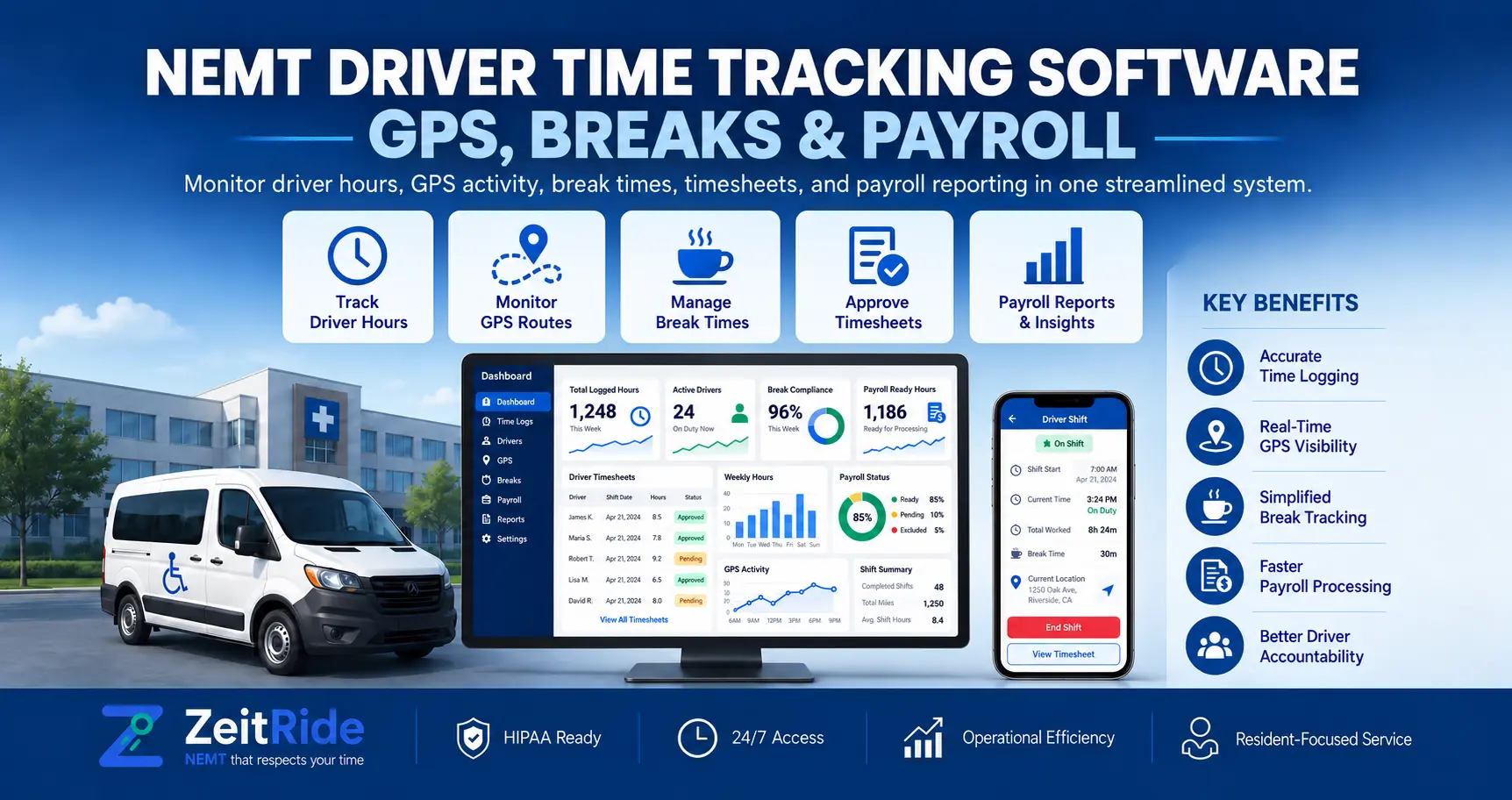
NEMT Driver Time Tracking Software: GPS, Breaks & Payroll
Learn how NEMT fleets capture GPS clock-ins, manage breaks and missed punches, and review driver hours before payroll with ZeitRide.
Quick answer
NEMT driver time tracking software records shift starts, breaks, and clock-outs with GPS and odometer details. ZeitRide helps fleet managers review missing punches and actual hours before preparing payroll; it does not automatically transfer wages.
ZeitRide Team
NEMT Operations Expert
A driver can finish the last medical pickup on time and still leave an open shift behind. Another may forget to end a break, while a third starts early to reach a distant first pickup. These small gaps turn into hours of reconciliation when payroll approaches.
NEMT driver time tracking software gives fleet managers a clearer record of when drivers start, pause, and end work. ZeitRide connects mobile shift punches with GPS and odometer details, so the office can review time records alongside daily transportation activity.
What Is NEMT Driver Time Tracking Software?
NEMT driver time tracking software records drivers' shift starts and ends, break activity, and working-time details in a transportation-focused system. Unlike a paper timesheet, it can keep punch records alongside driver assignments and trip operations.
The aim is to answer a practical question: What time did the driver actually record, and what needs review before payroll? It is not a replacement for determining which time counts as compensable work under applicable law.
How Does an NEMT Driver Time Clock App Work?
In ZeitRide, drivers open Timekeeping in the ZeitRide driver app. The shift follows three actions:
- Start Shift: Records the clock-in time, GPS position, and vehicle odometer.
- Start Break / End Break: Records break boundaries when the company enables breaks.
- End Shift: Records the clock-out time, GPS position, and odometer, and displays the worked-time total.
A visible status shows whether the shift is not started, active, on break, or complete. Office staff can review the records without collecting paper timecards. The driver timekeeping guide explains the exact app controls.
What Does GPS Clock-In Record?
GPS clock-in for NEMT drivers associates a location with a shift punch. It helps the office verify context when examining a start or end time; it does not, by itself, prove that every minute was worked or establish compliance.
ZeitRide also has optional early clock-in limits. A fixed window uses scheduled shift time; a dynamic window considers the first pickup, estimated travel from the vehicle's location, and a configurable buffer. If required trip or location details are missing, the system falls back to the fixed window.
How Are Breaks and Missed Clock-Outs Handled?
NEMT driver break tracking matters because a driver may take a break between trips, forget to end it, or return to driving while the app still shows an open break. In ZeitRide, dispatch can close an open break when appropriate. Office-side punch changes are reflected in the activity log.
A forgotten clock-out creates another exception. Administrators can enable reminders after the last stop or at a specified time, with optional escalation to dispatch. A reminder does not clock the driver out. The office must still check incomplete or estimated records before relying on them.
If a driver attempts to end a shift with unfinished trips, ZeitRide can warn the driver or require office intervention, depending on company settings. This connects timekeeping to the actual workday rather than treating it as an isolated stopwatch.
Manual Timesheets vs. NEMT Driver Timesheet Software
| Task | Manual Timesheets | Connected Timekeeping |
|---|---|---|
| Clock-in and clock-out | Driver writes times later | Driver records shift punches in the app |
| Breaks | Separate notes or memory | Start/end records when enabled |
| Missed punches | Calls and spreadsheet edits | Office review and recorded corrections |
| Payroll review | Assemble sheets and trips | Compare hours with daily trip activity |
A digital record makes exceptions easier to spot, but managers still need a fair process for checking mistakes and correcting time.
How Should Managers Review NEMT Driver Hours for Payroll?
Imagine a driver whose first pickup is at 7:30 a.m. The driver clocks in at 6:55 a.m., takes a recorded break, completes the last drop-off at 4:10 p.m., and forgets to end the shift. Those times are an illustration, not an actual ZeitRide customer record.
Before payroll, a manager should check the shift start, break entries, last trip activity, missing clock-out, and any corrections.
In ZeitRide, the office's Payroll → Today view shows recorded clock times, clocked hours, trip hours, completed trips, and odometer readings. The Hours Review workflow lets staff examine and correct period hours before a payroll run. See payroll and hours review.
ZeitRide can fill a missing clock-out from the last trip, clearly labeled estimated. That estimate requires human review; completing a trip and finishing compensable work are not always the same moment. Generating a payroll run also does not mean funds were sent to employees.
What Should NEMT Fleets Check Before Using Time Records?
Under the US Fair Labor Standards Act, covered employers must keep accurate records of daily and weekly hours for nonexempt employees. The Department of Labor allows different timekeeping methods, provided records are complete and accurate. Review the DOL recordkeeping requirements.
Break classification matters, too: short rest breaks generally count as hours worked under federal rules, while qualifying bona fide meal periods generally do not. State requirements and individual circumstances may differ. Configure your policies with qualified payroll or legal guidance rather than assuming every recorded break should be deducted.
For planning future coverage, use the separate NEMT driver scheduling guide; for analyzing extra labor expense, use the NEMT overtime costs guide. Those are different questions from capturing reliable time punches.
See ZeitRide Driver Timekeeping in Action
If your office reconstructs driver hours from texts, GPS logs, and spreadsheets, a connected workflow can make time review more practical. See how NEMT driver time tracking software handles clock-ins, breaks, exceptions, and office review.
Book a ZeitRide demo and walk through a realistic driver shift with your team.
Frequently Asked Questions
Q: Can NEMT Drivers Clock In Using a Mobile App?
Yes. ZeitRide lets drivers start and end shifts in its mobile app, recording punch times along with GPS position and vehicle odometer details.
Q: Does GPS Clock-In Prove Every Hour Worked?
No. A GPS-stamped punch supplies location context. Managers must still review actual work, breaks, missing punches, and applicable pay rules.
Q: What If an NEMT Driver Forgets to Clock Out?
ZeitRide offers optional clock-out reminders and office review. A trip-based clock-out may be entered as an estimate, which staff should verify.
Q: Can Managers Correct a Driver's Break or Shift Record?
Yes. Authorized office staff can start or end a break or shift from dispatch, and those actions appear in the activity log.
Q: Does ZeitRide Automatically Pay Drivers?
ZeitRide supports hours review and payroll runs. Those records should not be mistaken for confirmation that employee wages have been transferred.
Rather see it than read about it?
Bring a real route, a couple of drivers, and your current process. 15 minutes, zero pitch.