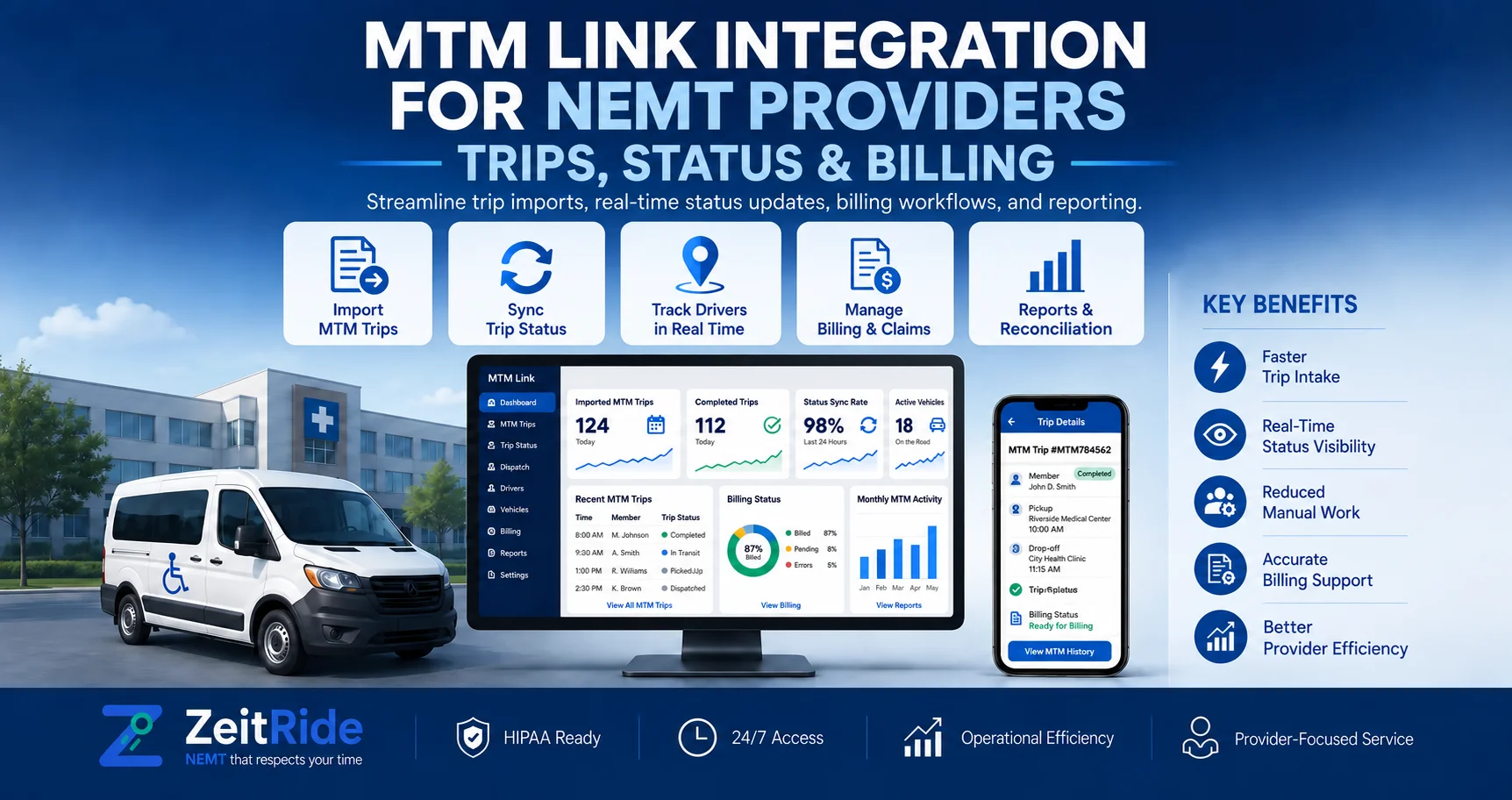
MTM Link Integration for NEMT Providers: Trips, Status & Billing
See how MTM Link integration connects trip imports, status updates, GPS evidence, and billing workflows for NEMT transportation providers.
Quick answer
MTM Link integration connects MTM trip assignments with a provider's scheduling, dispatch, driver, GPS, and billing workflows. Depending on the connection, trip changes can flow in while statuses, GPS evidence, and completion data flow back to MTM Health.
ZeitRide Team
NEMT Operations Expert
For an NEMT provider, receiving an MTM trip is only the beginning. The assignment still needs to reach scheduling, dispatch, the driver, trip documentation, and billing. When those steps are split across different systems, teams can spend unnecessary time re-entering information or checking whether records match.
That is where MTM Link integration matters. A connected workflow can bring MTM trip information into the operating software a provider already uses and, depending on the connection, return statuses, GPS activity, completion information, and billing data. The exact capabilities can vary by provider account, contract, market, and software connection, so operators should verify the workflow they actually have rather than assuming every MTM integration works identically.
How Does MTM Link Integration Work?
MTM Link integration connects MTM Health trip information with compatible transportation-management, routing, scheduling, or dispatching software. In a connected workflow, trip assignments, changes, and cancellations can move toward the provider while operational statuses, GPS information, completion details, and claims-related data may move back where the specific integration supports them.
MTM Health has publicly documented third-party RSD integrations that exchange trip assignments, modifications, cancellations, GPS information, and trip-performance events. For an NEMT operation, the important benefit is continuity: the broker assignment can remain connected as it moves through the provider's daily workflow.
| Workflow | MTM to Provider | Provider to MTM |
|---|---|---|
| Trip assignment | Trip ID, rider details, pickup, drop-off, and scheduled information | Operational acknowledgement where supported |
| Trip changes | Updated times, locations, trip details, or cancellations | Relevant response or status information |
| Trip execution | Broker trip requirements | Arrival, pickup, drop-off, and completion events |
| GPS and verification | Trip reference data | GPS positions and timestamps where supported |
| Billing | Authorized trip and booking information | Completion or claims-related data where supported |
Why Does MTM Link Integration Matter for NEMT Providers?
Without an effective MTM Health integration, staff may need to monitor one system for broker assignments and then recreate or update those trips inside another system used for scheduling and dispatch. Every additional manual handoff creates another opportunity for operational errors.
- Incorrect pickup or appointment times
- Outdated trip changes
- Duplicate broker records
- Missed cancellations
- Mismatched rider or member information
- Missing trip-status information
- Incomplete GPS or billing documentation
A good integration should therefore be judged by what actually moves through the workflow, not simply by whether a broker logo appears on a software website. Providers that are still establishing their broker relationship should first review how to become an MTM Health transportation provider. Credentialing and software integration are related, but they solve different problems.
How Does an MTM Link Trip Import Work?
The first major workflow is getting the broker assignment into the provider's operating system. With an automated MTM Link trip import, the goal is to reduce the need for staff to manually recreate the broker trip inside their scheduling platform.
Once broker information arrives, the system still needs to associate the ride with the correct member and make it available for scheduling. ZeitRide's broker trip intake workflow is designed to pull assigned trips from supported broker connections, match riders with member records, and place trips where scheduling staff can work with them.
Correct matching matters because the broker trip, member record, scheduled ride, driver activity, completion evidence, and eventual billing record should remain connected. An import that saves time at the beginning but creates reconciliation problems later has not actually removed administrative work.
From Broker Trip to Scheduling and Dispatch
After the trip is available, the provider still needs to turn the broker assignment into an operational plan. Dispatchers may need to consider pickup and appointment times, service level, driver availability, vehicle capability, geography, existing routes, and other scheduled trips.
Connected NEMT scheduling software allows broker trips to become part of the provider's normal planning workflow instead of remaining isolated in a separate portal. Once trips are assigned, NEMT dispatch software manages what happens on the road, including driver execution and same-day exceptions.
This distinction is important. MTM provides broker-side trip information, while the transportation provider still needs its own operating process for drivers, vehicles, routing, exceptions, and real-time dispatch decisions.
How Do MTM Link Status Updates and GPS Data Work?
A broker trip can change significantly between assignment and completion. Drivers may encounter traffic, facility delays, an unavailable rider, a no-show, or another same-day exception. Those events need to remain connected to the correct trip record.
Where the connection supports them, MTM Link status updates can include operational events such as en route, pickup, drop-off, completion, or estimated arrival information. MTM has also publicly documented real-time GPS exchange through integrated routing, scheduling, and dispatching systems.
For providers, the objective should be one consistent chain of evidence: broker assignment, scheduled trip, driver activity, GPS and status evidence, and completed trip. This reduces the risk that dispatch operates one version of the ride while billing later relies on another.
What Happens When an MTM Trip Changes or Is Cancelled?
Trip changes are one of the most important tests of any broker integration. A pickup time, location, destination, or cancellation may change after the provider has already scheduled the trip. If the local operating system does not reflect the broker's current record, the provider can waste driver time or operate against outdated information.
- How quickly do trip changes reach the operating system?
- How are cancellations identified after a trip has been scheduled?
- Can dispatchers distinguish an updated or superseded broker record?
- What happens when an update cannot be processed automatically?
ZeitRide's broker trip status workflow helps staff distinguish valid, updated, invalid, and superseded broker records instead of assuming every imported trip remains unchanged.
How Does MTM Link Billing Fit Into the Workflow?
MTM Link billing should not be treated as a completely separate process that begins only after the ride ends. Billing quality depends on the information captured earlier in the trip lifecycle. Missing statuses, incorrect member information, incomplete GPS evidence, or an unlinked broker booking can create extra administrative work after transportation has already been provided.
ZeitRide's NEMT billing software carries completed trip information into billing workflows so operations and billing teams can work from the same underlying trip record. For supported broker workflows, eligible records can include completion and GPS information used during claims processing.
The precise MTM Link billing process should still be verified for each provider's account, state, contract, and software configuration. Providers should not assume every MTM connection submits claims in exactly the same way.
MTM Link vs. NEMT Operating Software
MTM Link and provider-side operating software solve related but different parts of the transportation process. Understanding that distinction helps providers evaluate MTM Link NEMT software based on workflow rather than marketing terminology.
| Need | MTM / Broker Side | Provider Operating Software |
|---|---|---|
| Authorized trip | Provides broker assignment | Receives the trip for local operations |
| Scheduling | Provides trip requirements | Assigns the driver, vehicle, and operational timing |
| Dispatch | Receives supported operational data | Manages live fleet execution |
| Driver workflow | Defines required trip information | Guides field execution and records events |
| GPS and status | Receives applicable evidence | Captures driver and vehicle activity |
| Billing | Receives required completion or claim information | Prepares the completed operational record |
Instead of asking only whether a platform integrates with MTM, providers should ask what that integration actually does between the moment a trip is assigned and the moment the completed ride reaches billing.
What Should Providers Verify Before Choosing MTM Link NEMT Software?
Before changing a daily workflow around any MTM integration, ask the software vendor to demonstrate a realistic trip from beginning to end.
- How MTM assignments enter the system
- How members and broker trips are matched
- How modifications and cancellations are handled
- Which trip statuses can be exchanged
- Whether GPS information is exchanged
- How unmatched or failed records are flagged
- How completed trips move into billing
- What claims or billing steps remain outside the integration
Also verify which capabilities apply to your specific organization, state, and MTM contract. If a software vendor describes itself as an official, certified, or preferred MTM technology partner, ask for current documentation supporting that designation.
How ZeitRide Fits Into the Broker Workflow
ZeitRide's NEMT software brings scheduling, dispatch, routing, driver operations, broker workflows, and billing into one operating platform. For supported broker connections, assigned trips can move into the provider's workflow, be matched with members, scheduled, dispatched, completed, and carried into billing without rebuilding the operational record at every stage.
The best way to evaluate an integration is with a real trip. Bring an actual MTM assignment to a ZeitRide demo and follow it from broker intake through scheduling, driver activity, completion, and billing. That makes it much easier to see which manual handoffs your current workflow could eliminate.
Frequently Asked Questions
Q: What is MTM Link integration?
MTM Link integration connects MTM Health trip information with compatible transportation-management or routing, scheduling, and dispatching software. Depending on the connection, it can exchange assignments, trip changes, GPS information, statuses, completion records, and claims-related data.
Q: Can MTM trips automatically import into NEMT software?
Yes, where the provider's MTM setup and software support an automated connection. The specific MTM Link trip import method and available data should be verified for the provider's account, market, and software configuration.
Q: Does MTM Link replace NEMT dispatch software?
Not necessarily. MTM supports integrations with third-party routing, scheduling, and dispatching platforms, allowing compatible transportation providers to continue operating provider-side software while exchanging relevant trip data with MTM.
Q: Can GPS and trip statuses be sent to MTM?
MTM has documented integrations that exchange real-time GPS information and trip-performance events such as en route, pickup, drop-off, and estimated arrival data. Exact functionality depends on the provider's connection.
Q: How does MTM Link billing work?
The process varies by integration. Completed-trip information may support claims or billing workflows, but providers should verify whether their setup submits directly, creates records for review, or requires an additional broker-side step.
Rather see it than read about it?
Bring a real route, a couple of drivers, and your current process. 15 minutes, zero pitch.